
Please feel even more secure
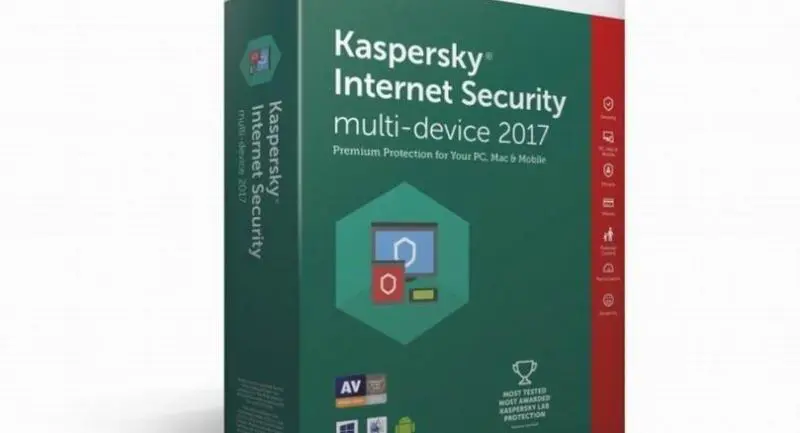


Touting worrying survey results, Kaspersky Lab Thailand unveils improved security programs
KASPERSKY Lab has bolstered its popular Internet Security system for home use, promising even better protection for data. Kaspersky Lab Thailand last month unveiled Internet Security 2017 and Total Security 2017.
Both programs are designed to protect Windows, Mac and Android users against malware, risky websites and tracking, and fraudulent money transactions.
The Windows versions have several new functions. Secure Connection safeguards data from being intercepted through unsafe Internet connections. Software Updater and Software Cleaner patch up any potential holes in device security.
I tested Kaspersky Internet Security, which is similar to Total Security but without the additional features Password Manager, Safe Kids and File encryption.
With Password Manager, a single master password allows instant access through all the other ones you’re using, both at home and on mobile devices. Safe Kids makes sure that youngsters don’t get into any trouble online. And the Files feature both encrypts confidential information and backs up your photos and other stuff.

The version of Internet Security I tested covers multiple device accounts. I installed it on two Windows notebook computers, a Mac computer and an Android smartphone with no problem, and their performance didn’t slow down or otherwise suffer as a result.
The three new functions – Secure Connection, Software Update and Software Cleaner – are all great.
Secure Connection will delight travellers hunting for Wi-Fi hotspots. A Kaspersky Lab study found that nearly one in five users falls victim to cyber-criminals when on the road – and that’s the same percentage who take no protective measures online.
Secure Connection works by encrypting all data sent and received through whatever Wi-Fi network you tap into. That’s absolutely essential when you’re doing financial transactions and otherwise transferring confidential information, and the sites you use need to be authenticated. Skip these safeguards and you could find your bank account emptied and your credit nullified.
Secure Connection is launched from the main Kaspersky Internet Security or Total Security window, automatically when your device connects to a public Wi-Fi network, or whenever you’re sending confidential information to a bank site, online store, any other payment system or just via e-mail or the social media.

Software Update is another confidence-booster, automatically identifying applications that need updating and plugging any uncovered vulnerability to malware attack. Your permission is first sought for program updates deemed necessary, or you can order the update manually – or add any application to a do-not-update list.
In the Kaspersky Lab study, 37 per cent of users admitted having programs they never used on their computers and other devices, thus wasting processor resources. That’s where Software Cleaner comes in. It scans all the apps on board and lets you know about any that might pose a risk and about the ones you haven’t used in a long time.
I tested this theory on my own equipment and was reminded about several long-unused apps that Software Cleaner recommended uninstalling.
Crucially, you’ll also be told about any programs apparently installed without your knowledge. Usually these piggyback in on programs that you did knowingly install, but since they’ve sneaked in, they’re likely up to no good. Software Cleaner will tell you as well if any programs are slowing your processing down.
Internet Security 2017 also comes with Safe Money for multilevel protection in financial transactions, Application Manager to prevent unwanted apps from being installed, and Anti-Banner to |block those annoying advertising banners that appear while you’re browsing.
The cost of Kaspersky Internet Security 2017 is Bt890 per year for a single device and Bt1,780 for three devices. For Kaspersky Total Security 2017, those prices rise to Bt990 and Bt1,890, respectively.
REQUIREMENTS
GENERAL
920MB of free disk space
Internet connection for activation and updates
Microsoft Internet Explorer 8.0 or later
Microsoft Windows Installer 3.0
Microsoft .Net Framework 4 or later
NETBOOK
Intel Atom processor at 1.6GHz or faster
Intel GMA950 video card or better with at least 64MB | of memory or compatible equivalent
Screen resolution of at least 1024:576
BROWSERS
Microsoft Internet Explorer 8.0 or later
Microsoft Edge 20.x to 25.x
Mozilla Firefox 43.x to 47.x
Mozilla Firefox ESR 38.5 to 45.2
Google Chrome 45.x to 51.x
