
Banking apps to stop working on older smartphones from February 14
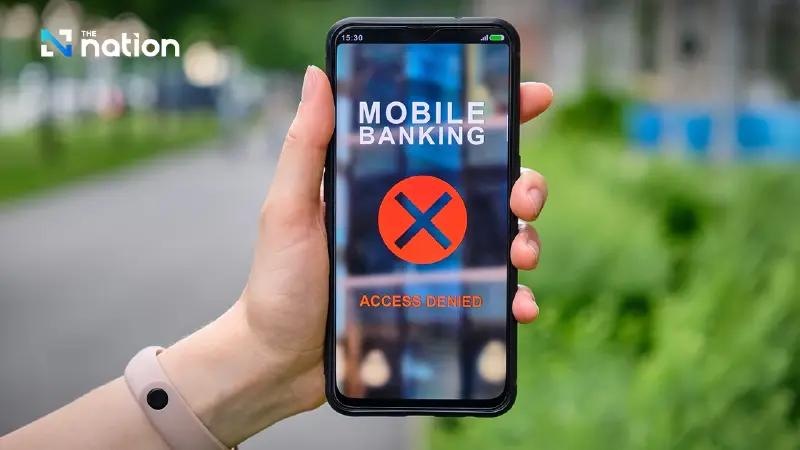


Thai banks say the change, starting February 14, is aimed at closing cyber-risk gaps linked to outdated phone systems.
- Beginning February 14, mobile banking apps will cease to function on smartphones running outdated operating systems.
- The new minimum requirements are iOS 14 for iPhones/iPads and Android 10 for other smartphones and tablets.
- This measure is being implemented to close security gaps in older operating systems that no longer receive security updates, protecting users from malware and phishing.
- Users with devices that cannot be updated to the required OS versions may need to switch to a newer device to continue using mobile banking.
All bank customers should take note: a major change is coming, and it could affect you.
From February 14, all banks are set to restrict their mobile banking apps on older devices.
Users on iOS (iPhone/iPad) and Android below the minimum requirement should be aware that the app may stop working, and you may no longer be able to log in, as part of efforts to close security gaps exploited by cybercriminals.

Who will be affected? Minimum requirements for Mobile Banking in 2026
Lalida Periswiwatana, Deputy Government Spokeswoman, shared key information from a collaboration between the Thai Bankers’ Association and the Thailand Banking Sector Computer Emergency Response Team (TB-CERT).
She said that from February 14, all banking apps will support only devices running the following operating systems:
- iPhone / iPad: iOS 14 or later
- Smartphones/tablets (general): Android 10 or later
“If your device is below this requirement, you will no longer be able to access banking apps.”
Why the change? The security reasons people with money should know
The main reason the banking sector is introducing this measure is not to force people to buy a new phone; it is to close security loopholes.
Older operating systems often stop receiving security patches, increasing the risk of:
- Money-draining malware: hidden in unauthorised or fake apps
- Phishing: tricking users into handing over personal data
- Remote device control: used by criminals to access accounts and steal funds
How to check your phone’s version yourself, easily in 1 minute
Before February 14, pick up your phone and check your operating system version:
For iOS: Settings > General > About > Software Version
For Android: Settings > About phone > Software information > Android version
Warning: if you can’t update, it may be time to change your device
The Thai Bankers’ Association stressed that this update is an important step to keep digital transactions in Thailand secure.
If your phone is too old to upgrade to iOS 14 or Android 10, you may need to consider switching to a newer device to avoid disruption, especially at critical times.
