
Important Update: From Feb 14, 2026, Mobile Banking will support iOS 14 & Android 10+ only
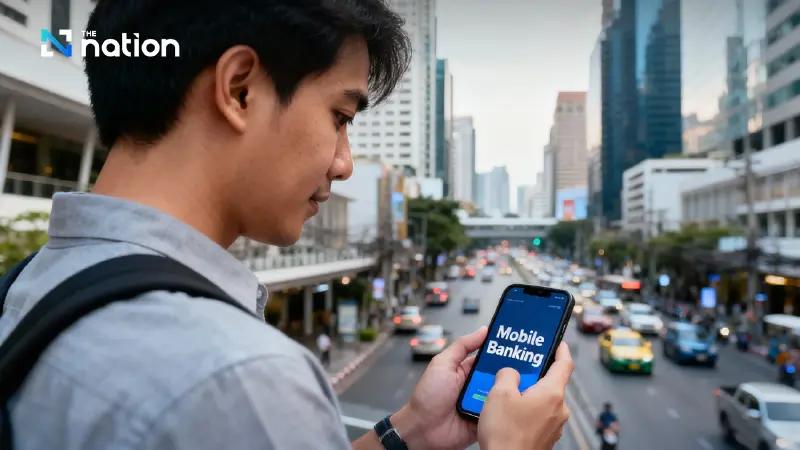


From February 14, 2026, Mobile Banking apps will only support iOS 14 and Android 10 or higher to enhance cybersecurity and protect user data
- From February 14, 2026, Mobile Banking apps will only support iOS 14 and Android 10 or higher.
- This change is part of efforts to enhance cybersecurity and reduce risks from outdated operating systems.
The Thai Bankers Association (TBA) has announced that starting February 14, 2026, all Mobile Banking apps in Thailand will support only iOS 14 and Android 10 or higher. This move is in response to the growing cybersecurity threats, especially attacks targeting devices with outdated operating systems, which are vulnerable to data theft, financial fraud, and malware installation.
According to the TBA, this change is a preventive measure aimed at reducing risks from various cybersecurity threats, such as malware, phishing, data interception over public networks, and remote control of devices. Outdated smartphones, particularly those no longer receiving security updates from their manufacturers, will no longer be able to access Mobile Banking apps starting February 14, 2026.

The minimum operating system standards are part of efforts to ensure stronger protection through encryption, access rights management, and addressing new security vulnerabilities. iOS 14 and Android 10 have significantly enhanced security measures, making them more suitable for financial transactions in the digital era.
If users are still on devices with operating systems below the required minimum, and they cannot update their devices, they will be unable to use Mobile Banking apps after the specified date. Users of older smartphones may need to consider upgrading their devices to continue using the services.
The TBA recommends that users check their current operating system version and update it in advance to avoid disruptions in their mobile banking transactions and ensure the security of their personal data and financial assets.
Steps to update Android OS (version 10 and above):
- Open Settings
- Select Software update or System updates
- Tap Download and install
- Wait for the update to finish and the phone to restart automatically
Steps to update iOS (version 14 and above):
- Go to Settings
- Select General
- Tap Software Update
- If a new version is available, tap Download and Install
- Wait for the update to finish and the phone to restart automatically
Updating your operating system is not just about keeping your device up-to-date, but it's an essential defense against cyber threats that have become more sophisticated and pervasive.
